Adobe Project Neo
3D design tool from Adobe that adds dimension to 2D artwork
Product Overview
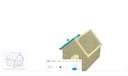
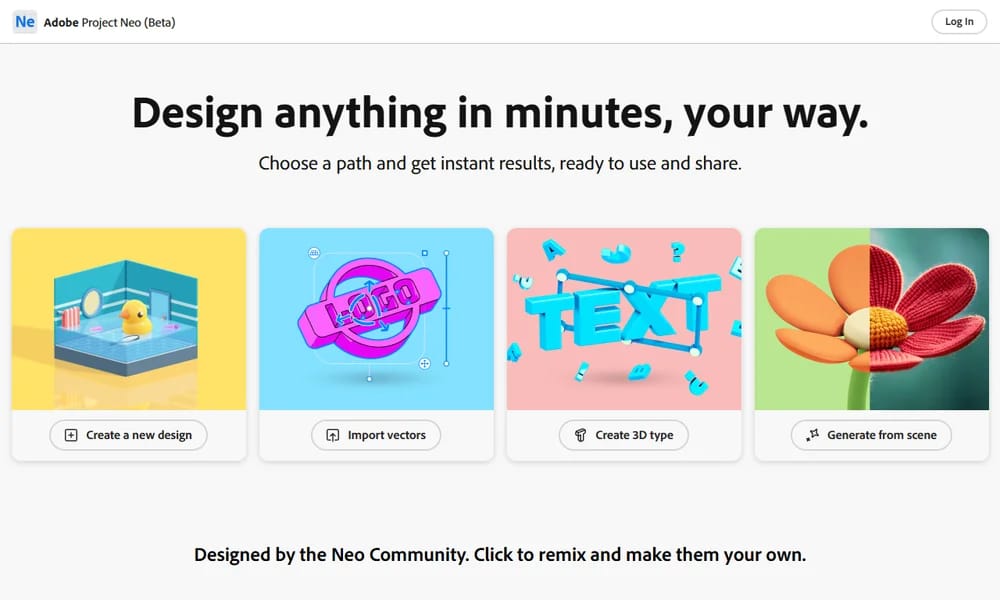
Project Neo is a free browser-based 3D design tool from Adobe that makes it easy to add dimension and depth to brand graphics, illustrations, and typography. With an intuitive interface built around familiar controls, you can quickly combine and blend 3D shapes, adjust perspectives and lighting, and create volumetric designs without prior 3D experience. The tool integrates seamlessly with Adobe Illustrator, allowing you to import SVG files for 3D transformation and export 3D designs back as editable vectors. It also features access to over 30,000 fonts from Adobe Fonts, style filters including Realistic and Vector Art, and a Scene to image feature powered by Adobe Firefly for rapid concept visualization. Whether you are a graphic designer looking to add depth to branding, an illustrator exploring 3D compositions, or a creative professional wanting to experiment with dimensional design, Project Neo lowers the barrier to entry for 3D creation.
Best For
Best for graphic designers and illustrators who want to add 3D dimension to their 2D artwork without learning complex 3D software
Key Features
- Combine and blend 3D shapes with intuitive controls
- Import SVG from Illustrator for 3D transformation
- Export 3D designs as editable vectors to Illustrator
- Access to 30,000+ fonts from Adobe Fonts
- Style filters: Realistic, Vector Art, Illustrative, Pixel Art
- Scene to image powered by Adobe Firefly AI
- Real-time collaboration via shareable links
- History slider to see how designs were created
Pros
- +Completely free during beta
- +Seamless Illustrator integration
- +No 3D experience required
- +Familiar design tool controls
- +Scene to image AI feature for rapid ideation
Cons
- -Still in beta with limited features
- -Requires Adobe account to use
- -Limited export options beyond Illustrator
- -No advanced 3D modeling capabilities
/// SPECS
- Pricing:Free
- Platform:Web
- Free beta from Adobe