AnyEnhancer
AI-powered video enhancer and upscaler turning low-quality videos to 4K.
Product Overview
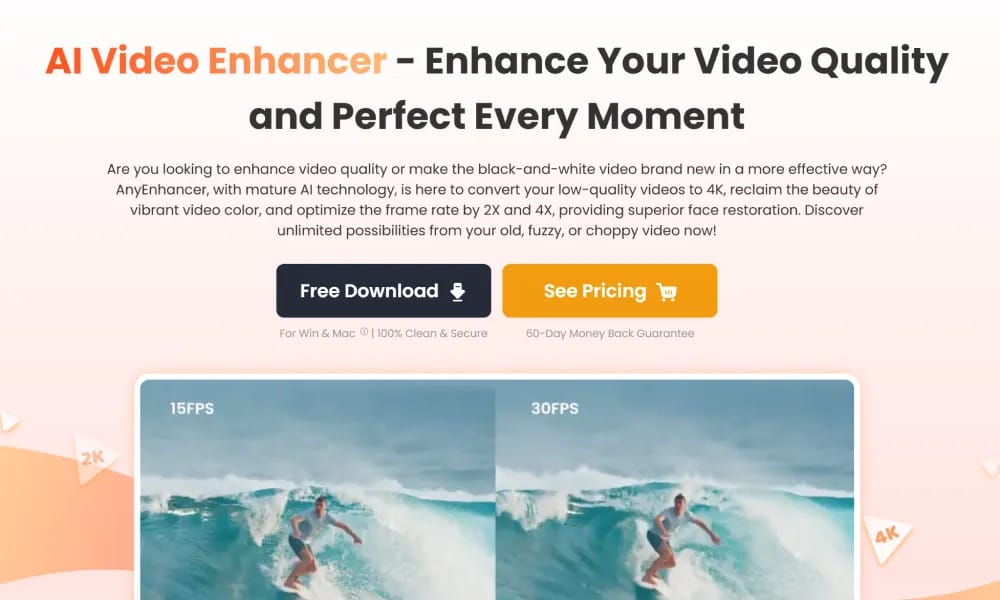
Details and main features: AnyEnhancer is an AI video enhancer developed by iMobie, designed to improve low-quality, blurry, or old videos by upscaling to 4K/2K, enhancing resolution, restoring faces, colorizing black-and-white footage, boosting colors, denoising, and interpolating frames (2X/4X for smoother playback); suitable for content creators, YouTube owners, family video restoration, travel vlogs, old movies, and anime fans; user-friendly with no editing skills required—just upload, select modes, preview, and export; available for Windows and macOS. Main features Resolution enhancement: Upscale from low resolutions like 360p/480p to 4K/2K. Face restoration: Intelligently recover details in blurry faces. Colorization: Add natural, lifelike colors to black-and-white videos. Color enhancement: Make colors more vibrant and dynamic. Denoising: Remove noise and grain for clearer visuals. Frame interpolation: 2X/4X to achieve smoother motion. Other: Intelligent combined enhancement modes for one-click processing.
Best For
Best for archivists, content creators, and anyone looking to restore old, low-quality, or black-and-white videos with AI-powered enhancement tools.
Key Features
- AI-powered video upscaling from low resolution to 4K and 2K with detail enhancement and noise reduction
- Face restoration technology that recovers and sharpens facial details in blurry or low-quality footage
- Black-and-white video colorization using deep learning to add realistic period-appropriate colors
- Frame interpolation for smooth slow-motion effects at 2x and 4x frame rate conversion
- Color boost, denoise, and deblur filters for improving overall video quality and clarity
Pros
- +All-in-one enhancement suite covering upscaling, colorization, face restoration, and frame interpolation
- +Face restoration is particularly effective for old family videos and archival footage with blurred faces
- +Batch processing support allows enhancing multiple videos sequentially without manual intervention
Cons
- -Processing time increases significantly for longer videos and higher upscaling factors
- -Free version limits output resolution and adds watermarks to processed videos
/// SPECS
- Pricing:ProFree
- Platform:Browser
- Free tier available, premium features paid

UniConverter
All-in-one AI video converter and enhancer for 4K/8K fast processing and editing.

Kittl
AI-powered graphic design platform with templates, tools, and assets for professional visuals.

Ilus AI
AI illustration generator with consistent style.

Napkin
AI tool that turns text into visuals for business storytelling.

Appy Pie
AI-powered no-code platform that generates and customizes mobile apps and websites from prompts.

RecCloud AI
AI-powered platform for video/audio processing, transcription, subtitles, and generation.

Viggle
AI tool that animates static character images into dynamic videos.

Moonvalley
AI video generation platform with cinematic precision control and studio-grade quality.

Synthesia
AI tool that creates professional videos with realistic talking avatars from text/scripts.

Videoleap
AI-powered mobile video editor for creating pro short videos and effects easily.